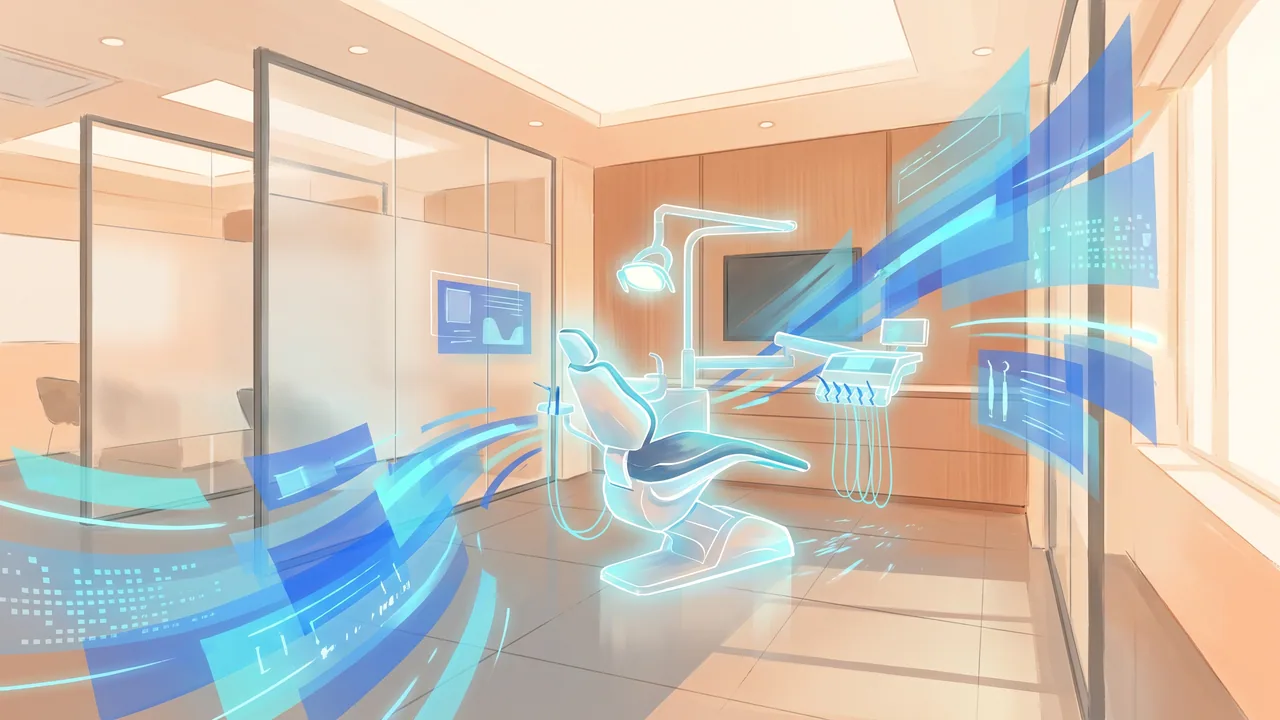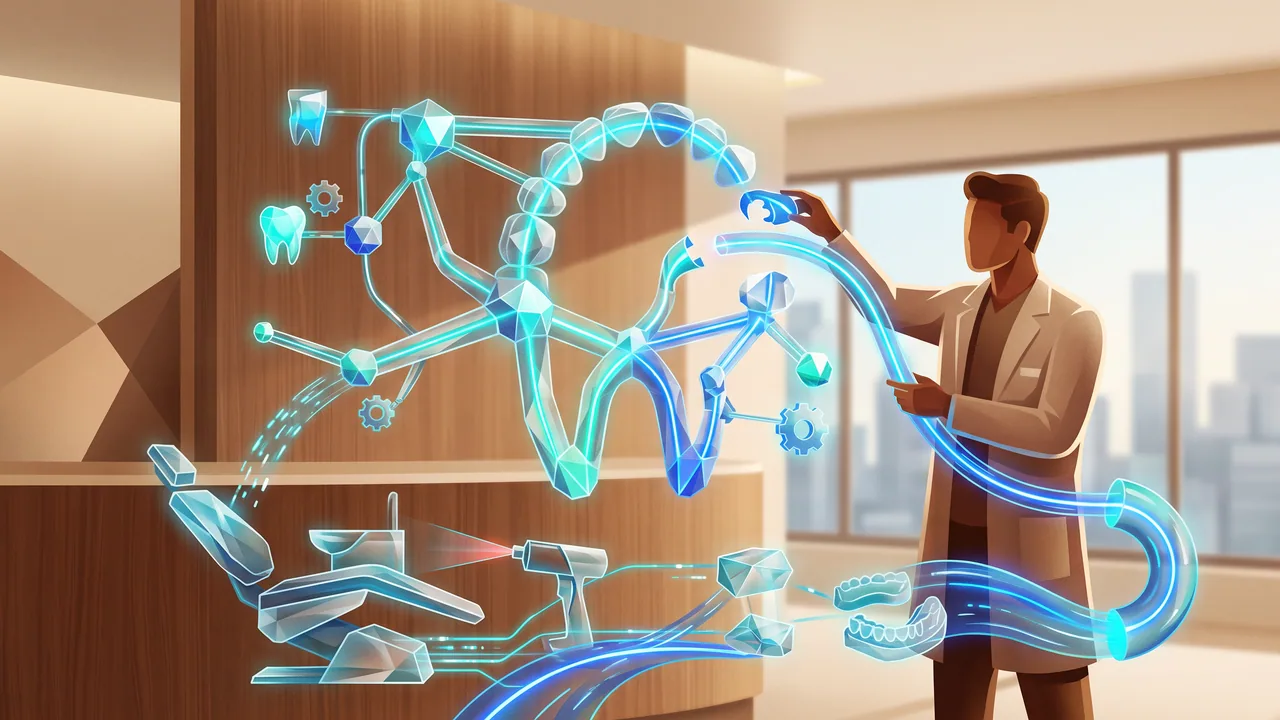
Κατανοώντας την ανάγκη για έναν AI Receptionist
Οι οδοντιατρικές πρακτικές συχνά αντιμετωπίζουν προκλήσεις στη διαχείριση ραντεβού, ερωτήσεων ασθενών και παρακολούθησης αποτελεσματικά. Οι παραδοσιακοί υπάλληλοι υποδοχής μπορούν να διαχειριστούν έναν περιορισμένο όγκο εργασιών, γεγονός που μπορεί να οδηγήσει σε χαμένες κλήσεις και συγκρούσεις προγραμματισμού. Για παράδειγμα, μια οδοντιατρική πρακτική μπορεί να χάσει έως και 25% των εισερχόμενων κλήσεων λόγω απασχόλησης με υπάρχοντες ασθενείς. Ένας AI receptionist μπορεί να διαχειριστεί αυτές τις κλήσεις αποτελεσματικά, διασφαλίζοντας ότι καμία ευκαιρία δεν χάνεται.
Επιπλέον, οι AI receptionists είναι διαθέσιμοι 24/7, επιτρέποντας στους ασθενείς να κλείνουν ραντεβού εκτός των κανονικών ωρών λειτουργίας. Αυτή η ευελιξία μπορεί να αυξήσει τις κρατήσεις ασθενών κατά 30%, καθώς πολλοί προτιμούν να προγραμματίζουν ραντεβού κατά τις βραδινές ώρες ή τα Σαββατοκύριακα.
Βήμα 1: Αξιολογήστε τις ανάγκες της πρακτικής σας
Πριν εφαρμόσετε έναν AI receptionist, αξιολογήστε τις συγκεκριμένες ανάγκες της πρακτικής σας. Σκεφτείτε τον όγκο των κλήσεων, τις κοινές ερωτήσεις ασθενών και τις ώρες αιχμής. Για παράδειγμα, αν η πρακτική σας διαχειρίζεται περίπου 1.000 κλήσεις μηνιαίως, προσδιορίστε τις πιο συχνές ερωτήσεις ή τύπους ραντεβού. Αυτό θα σας βοηθήσει να επιλέξετε μια λύση AI που να καλύπτει συγκεκριμένα τις απαιτήσεις σας.
- Αξιολογήστε τη ροή των ασθενών και προσδιορίστε τα σημεία συμφόρησης.
- Συγκεντρώστε δεδομένα σχετικά με τις ερωτήσεις των ασθενών και τους τύπους ραντεβού.
- Καθορίστε τον προϋπολογισμό σας για την εφαρμογή AI.
Βήμα 2: Επιλέξτε τη σωστή λύση AI
Αφού κατανοήσετε τις ανάγκες σας, ερευνήστε λύσεις AI receptionist που καλύπτουν τις οδοντιατρικές πρακτικές. Αναζητήστε χαρακτηριστικά όπως προγραμματισμός ραντεβού, υπενθυμίσεις ασθενών και η δυνατότητα απάντησης σε συχνές ερωτήσεις. Ορισμένες δημοφιλείς λύσεις AI περιλαμβάνουν Yext και Zocdoc, οι οποίες προσφέρουν προσαρμοσμένες υπηρεσίες για παρόχους υγειονομικής περίθαλψης.
Συγκρίνετε κόστη και χαρακτηριστικά, καθώς οι τιμές μπορεί να διαφέρουν σημαντικά. Για παράδειγμα, μια βασική υπηρεσία AI receptionist μπορεί να κοστίζει περίπου $300 το μήνα, ενώ πιο προηγμένες λύσεις μπορεί να φτάσουν τα $1,000 το μήνα ανάλογα με τα χαρακτηριστικά που προσφέρονται.
Βήμα 3: Ενσωμάτωση με υπάρχοντα συστήματα
Η ενσωμάτωση του AI receptionist με το λογισμικό διαχείρισης της πρακτικής σας είναι κρίσιμη. Διασφαλίστε ότι η λύση που επιλέγετε μπορεί να συνδεθεί απρόσκοπτα με το υπάρχον σύστημα προγραμματισμού σας. Αυτό θα επιτρέψει στον AI να έχει πρόσβαση σε πραγματική διαθεσιμότητα και να απλοποιήσει τις κρατήσεις ραντεβού.
Για παράδειγμα, αν η πρακτική σας χρησιμοποιεί Dentrix ή Open Dental, ελέγξτε την συμβατότητα με το σύστημα AI. Η ενσωμάτωση μπορεί συχνά να ολοκληρωθεί μέσα σε λίγες ώρες, εξοικονομώντας χρόνο και μειώνοντας την πιθανότητα λαθών.
Βήμα 4: Εκπαιδεύστε το προσωπικό σας
Ακόμη και με έναν AI receptionist, η ανθρώπινη εποπτεία είναι απαραίτητη. Εκπαιδεύστε το προσωπικό σας για το πώς να εργάζεται αποτελεσματικά δίπλα στο σύστημα AI. Αυτό περιλαμβάνει την κατανόηση του πότε να παρέμβουν στις αλληλεπιδράσεις με τους ασθενείς και πώς να χειρίζονται τις κλιμακωμένες ερωτήσεις.
Παρέχετε συνεχή εκπαίδευση και ενθαρρύνετε την ανατροφοδότηση του προσωπικού για να διασφαλίσετε μια ομαλή μετάβαση. Μια καλά εκπαιδευμένη ομάδα μπορεί να ενισχύσει την αποτελεσματικότητα του AI και να βελτιώσει τις αλληλεπιδράσεις με τους ασθενείς, ενδεχομένως αυξάνοντας τις βαθμολογίες ικανοποίησης των ασθενών κατά 20%.
Βήμα 5: Παρακολουθήστε και αξιολογήστε την απόδοση
Μετά την εφαρμογή, παρακολουθήστε συνεχώς την απόδοση του AI receptionist. Παρακολουθήστε βασικούς δείκτες όπως ο όγκος των κλήσεων που διαχειρίζεται, οι κρατήσεις ραντεβού και οι βαθμολογίες ικανοποίησης των ασθενών. Για παράδειγμα, αν ο AI διαχειρίζεται το 80% των κλήσεων επιτυχώς, είναι ένα καλό σημάδι ότι το σύστημα καλύπτει τις ανάγκες της πρακτικής σας.
Αναθεωρείτε τακτικά αυτά τα δεδομένα και προσαρμόστε τις ρυθμίσεις AI όπως απαιτείται για να μεγιστοποιήσετε την αποδοτικότητα. Οι έρευνες μπορούν επίσης να παρέχουν πολύτιμη ανατροφοδότηση από τους ασθενείς σχετικά με την εμπειρία τους με το σύστημα AI.
Η εφαρμογή ενός AI receptionist μπορεί να ενισχύσει σημαντικά την αποδοτικότητα της οδοντιατρικής σας πρακτικής, οδηγώντας σε καλύτερες εμπειρίες ασθενών και αυξημένες κρατήσεις. Μην χάσετε την ευκαιρία να απλοποιήσετε τις λειτουργίες σας.
Ξεκινήστε σήμερα δοκιμάζοντας μια επίδειξη ενός AI receptionist προσαρμοσμένου για οδοντιατρικές πρακτικές και δείτε τη διαφορά που μπορεί να κάνει!
Θέλετε να το δείτε σε δράση;
Προσθέστε έναν AI Receptionist στην επιχείρησή σας σε 5 λεπτά.